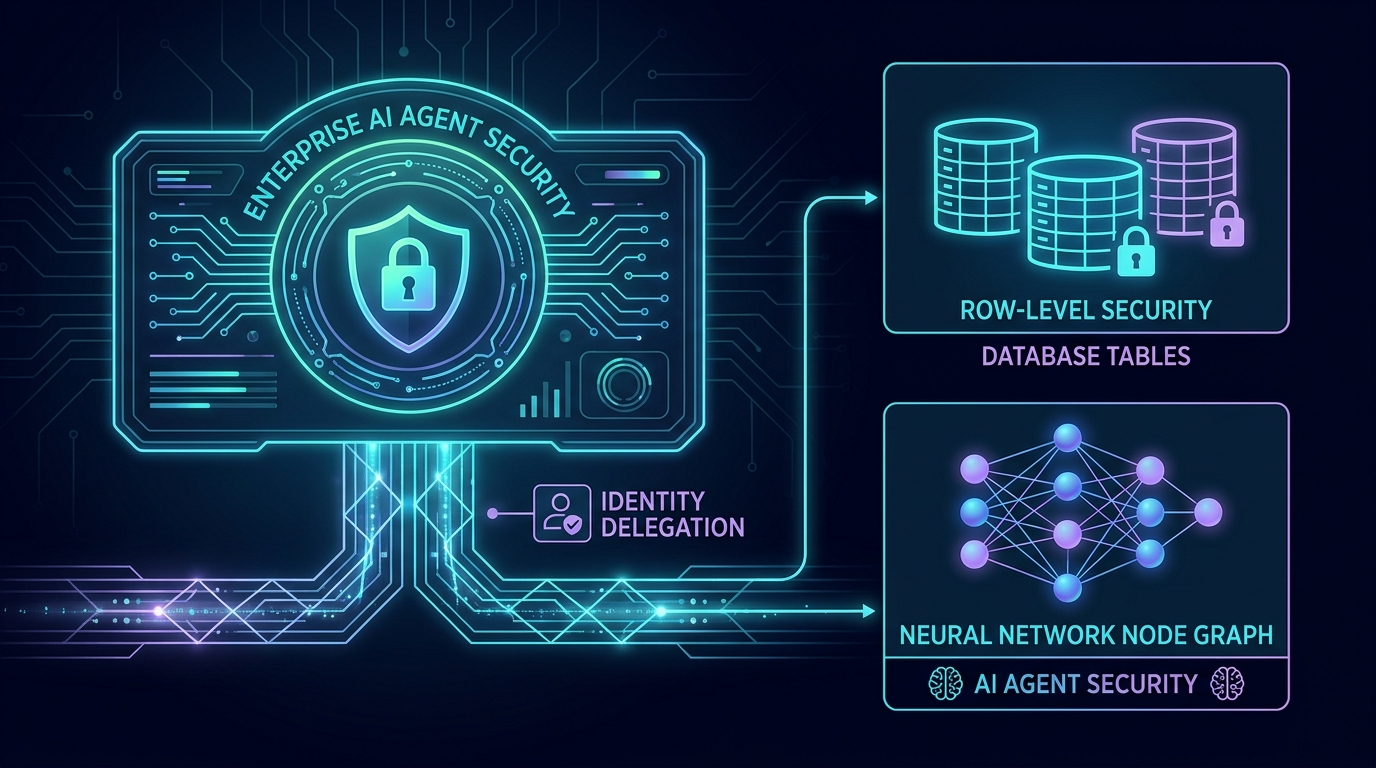
The ERP Copilot Security Dilemma: Dynamic Row-Level Security and Identity Delegation in LLMs
Contents
The Security Crisis at the Copilot Boundary
As organizations race to build LLM-powered assistants—whether custom chat interfaces, Microsoft Teams integration bots, or Model Context Protocol (MCP) servers—they face a challenging architectural question: How do we authorize the AI to read enterprise data?
In most proof-of-concepts, developers take the path of least resistance: they register a single application in Microsoft Entra ID (a Service Principal), grant it broad read permissions across the ERP (like Dynamics 365 Finance & Operations or SAP), and hardcode these client credentials in the backend orchestrator. When a user asks a question, the orchestrator invokes a database tool, queries the API using the service account, and hands the raw payload to the LLM.
In a closed sandbox, this works perfectly. In a production enterprise, this is a catastrophic security vulnerability.
By using a single shared integration account, you collapse the enterprise’s authorization boundaries. The LLM becomes the sole gatekeeper of what the user can see. This model assumes that we can write a system prompt robust enough to prevent data leakage.
But as security researchers have demonstrated repeatedly, prompt-level security is a sieve. Through direct jailbreaking, prompt injection, or indirect injection (where malicious instructions are embedded inside database records or emails), an attacker can easily trick the LLM into fetching and summarizing records the user has no business seeing, such as executive payrolls, pending acquisitions, or sensitive customer records.
To build secure, enterprise-grade AI assistants, we must implement a zero-trust model: The LLM must never have access to data the user is unauthorized to see. The security boundary must be enforced at the database and API layer, long before the data ever reaches the context window.
Service Principal Access vs. Identity Delegation
Let's compare the two primary pathways for AI tool execution:
- The Service Principal Pathway (Naive & Unsafe): The orchestrator connects to the ERP via a global client credentials token. The database executes the query under administrative rights, retrieving all rows. The orchestrator injects this raw data into the LLM context, hoping the model's instructions will prevent it from showing unauthorized rows to the user.
- The Identity Delegation Pathway (Zero-Trust): The orchestrator uses OAuth2 to exchange the user's active login token for a delegated token. When calling the ERP API, it executes under the user's exact Entra ID security context. The ERP database compiles the SQL query, appending Row-Level Security (RLS) or Extensible Data Security (XDS) filters. The database only returns rows that the user is authorized to read.
Here is an interactive playground demonstrating how these two pathways handle a request for restricted data.
Identity Delegation VS Service Principal
1. User Request Initiated
Sales Rep Alice requests restricted executive payroll details: "Show me executive payroll totals for Q1".
Alice is not authorized for HR data, but the Copilot UI accepts the natural language query.
Technical Architecture: OAuth2 On-Behalf-Of (OBO) Flow
To enforce row-level security on every tool call, we must implement identity delegation. In the Microsoft ecosystem (Entra ID and Dynamics 365), this is achieved using the OAuth2 On-Behalf-Of (OBO) Flow.
The OBO flow allows the middle-tier Copilot Orchestrator to take the JWT access token received from the client application (e.g., a React Web app or a Teams Chat client) and exchange it for a new access token targeted at the downstream ERP API scope (https://your-fno-env.dynamics.com/.default).
Here is how the token exchange and query execution flow is structured:
sequenceDiagram
    autonumber
    actor User as User (Alice)
    participant Client as Client Chat UI
    participant Orch as Copilot Orchestrator
    participant Entra as Microsoft Entra ID
    participant ERP as Dynamics 365 ERP
    participant DB as SQL DB (XDS/RLS)

    User->>Client: "Show Q1 payroll numbers"
    Client->>Orch: API Request + User JWT Token (Audience: Copilot API)
    Note over Orch: Orchestrator intercepts request.<br/>Must call ERP on behalf of Alice.
    Orch->>Entra: POST Token Request (grant_type=jwt-bearer, assertion=User JWT, scope=ERP/.default)
    Entra-->>Orch: Returns Delegated Access Token (Audience: ERP API)
    Orch->>ERP: Tool Request + Delegated Access Token + Company Context (dataAreaId)
    Note over ERP: ERP resolves identity to Alice.<br/>Constructs OData/SQL query.
    ERP->>DB: Compile SQL with XDS Filter (WHERE Department = 'Sales')
    DB-->>ERP: Returns Filtered Records (Only Sales data, 0 HR/Exec rows)
    ERP-->>Orch: HTTP 200 OK + Filtered JSON Payload
    Note over Orch: Injects clean, safe payload into LLM.
    Orch-->>User: Summarized Sales Q1 Payroll (Restricted data never entered context)
Implementing the Token Exchange
Let's look at how to implement the OAuth2 On-Behalf-Of flow in the Copilot Orchestrator. Below is a Python code example using the Microsoft Authentication Library (MSAL):
import msal
import requests

def get_delegated_erp_token(user_assertion_token: str, tenant_id: str, client_id: str, client_secret: str, erp_resource_url: str) -> str:
    """
    Exchanges the user's incoming JWT token for a delegated token to access the ERP API.
    """
    authority = f"https://login.microsoftonline.com/{tenant_id}"

    # Establish the confidential client application configuration
    app = msal.ConfidentialClientApplication(
        client_id,
        client_credential=client_secret,
        authority=authority
    )

    # Execute the On-Behalf-Of flow
    result = app.acquire_token_on_behalf_of(
        user_assertion=user_assertion_token,
        scopes=[f"{erp_resource_url}/.default"]
    )

    if "access_token" not in result:
        error_msg = result.get("error_description", "Unknown Entra ID authentication failure.")
        raise PermissionError(f"Token exchange failed: {error_msg}")

    return result["access_token"]

# Conceptual usage in a tool-calling handler
def query_erp_data_tool(user_token: str, odata_entity: str, query_filter: str) -> dict:
    try:
        # 1. Exchange the user's token for a delegated ERP token
        delegated_token = get_delegated_erp_token(
            user_assertion_token=user_token,
            tenant_id="YOUR_TENANT_ID",
            client_id="COPILOT_CLIENT_ID",
            client_secret="COPILOT_CLIENT_SECRET",
            erp_resource_url="https://your-fno-prod.sandbox.operations.dynamics.com"
        )

        # 2. Query the ERP OData endpoint using the delegated token
        headers = {
            "Authorization": f"Bearer {delegated_token}",
            "Accept": "application/json",
            "Content-Type": "application/json",
            "OData-MaxVersion": "4.0"
        }

        url = f"https://your-fno-prod.sandbox.operations.dynamics.com/data/{odata_entity}"
        params = {"$filter": query_filter}

        response = requests.get(url, headers=headers, params=params)
        response.raise_for_status()

        return response.json()
    except Exception as e:
        return {"error": f"Failed to retrieve data: {str(e)}"}
Enforcing Extensible Data Security (XDS) in D365
When the delegated token arrives at the Dynamics 365 Finance & Operations gateway, the system maps the Entra ID claims to an internal user record. Once the user context is established, the application runtime automatically applies any configured Extensible Data Security (XDS) policies.
XDS functions at the SQL query compilation level. For example, if Alice has an XDS policy restricting her view to the USMF company code and the Sales department, the XDS runtime intercepts the request, maps the relations, and appends appropriate WHERE clauses to the generated SQL query before executing it in Azure SQL.
[!NOTE] When querying standard OData entities directly (as shown in the Python helper), the D365 framework applies XDS filters natively on all read operations. No custom X++ code is required to enforce this.
However, if you need to build custom services or OData Actions to perform complex query logic, you should construct standard Data Contracts to return typed records. Here is how a custom X++ OData action executes under the delegated user's context, ensuring automatic application of XDS constraints:
// Compile-ready X++ representation of a custom OData Action on a Data Entity
[SysODataActionAttribute("QueryPayroll", false),
 SysODataCollectionAttribute("return", Types::Class, classStr(PayrollRecordContract))]
public static List getPayrollData(str _quarter)
{
    List recordsList = new List(Types::Class);
    PayrollRecords payroll;

    // Standard select query will automatically compile with XDS security constraints applied.
    // In delegated endpoints, the runtime context guarantees the query respects the user's policies.
    while select payroll
        where payroll.Quarter == _quarter
    {
        PayrollRecordContract contract = new PayrollRecordContract();
        contract.parmEmployeeId(payroll.EmployeeId);
        contract.parmAmount(payroll.Amount);
        recordsList.addEnd(contract);
    }

    return recordsList;
}
Core Challenges and Architectural Mitigations
While identity delegation is the only secure way to connect LLMs to transactional systems, it introduces several complex integration trade-offs that developers must address:
1. Token Lifetime and Multi-Turn Agents
A complex agentic workflow might run for several minutes or involve asynchronous tasks (like generating an invoice reconciliation report). If the user’s original delegated token expires mid-run, tool execution will fail.
- Mitigation: Implement token refresh management at the Copilot Orchestrator layer. Store refresh tokens securely in an encrypted state cache (e.g., Redis with encryption-at-rest), keyed by the user session ID, to dynamically request fresh tokens without requiring the user to re-authenticate.
2. Context Caching and Vector Embeddings
If your assistant utilizes semantic search or Retrieval-Augmented Generation (RAG) over relational database tables, sharing a global vector index across users creates instant data leaks.
- Mitigation: Never index raw transactional rows in a shared vector database. Instead, index only the metadata and schema descriptions to route natural language requests, and always fetch the actual records dynamically using the delegated API connection at runtime.
3. Legal Entity and Partition Routing
ERPs partition data by companies or tenants. In D365, query contexts defaults to the user’s primary login company. If the LLM is unaware of this context, it may query the wrong partition or assume data does not exist.
- Mitigation: The Orchestrator must pass explicit legal entity headers (
Cross-Company=falseor specificdataAreaIdparameter filters) on every API request. Allow the user to select their active company partition in the Chat UI, and inject this partition identifier directly into the headers of downstream tool calls.
The Zero-Trust Checklist for ERP Copilots
To ensure your ERP Copilot doesn't become a privilege escalation channel, verify your architecture against these four principles:
- No Admin Service Accounts: Deployed integrations must never connect to transactional databases using static superuser credentials.
- Enforce RLS at the Source: Database-level security policies (such as SQL RLS, Salesforce Sharing Rules, or D365 XDS) must serve as the absolute authorization boundary.
- Context Isolation: Keep the context window insulated from unauthorized data. If an API returns a
403 Forbiddenor filtered subset, pass that restriction directly to the LLM. - Audit Trail Integrity: Audit logs for every tool call must capture both the AI agent’s execution ID and the delegated user’s unique Entra ID object identifier (OID).
By shifting security from the unstable prompt layer to the database execution boundary, you ensure that no matter how creative or malicious a user's prompt is, your Copilot can never retrieve or expose data beyond their explicit authorizations.
Get in Touch
Identity delegation and enterprise ERP security are complex but non-negotiable for production-ready AI. Want to discuss securing your LLM integrations or explore custom Model Context Protocol (MCP) server development?
Connect with me:
- 📧 Email: [email protected]
- 🐦 Twitter/X: @TheDataGuyPro
- 💼 LinkedIn: Muhammad Afzaal
- 💻 GitHub: @mafzaal
- 🎥 YouTube: @TheDataGuyPro
- 🎧 Podcast: TheDataGuy Show