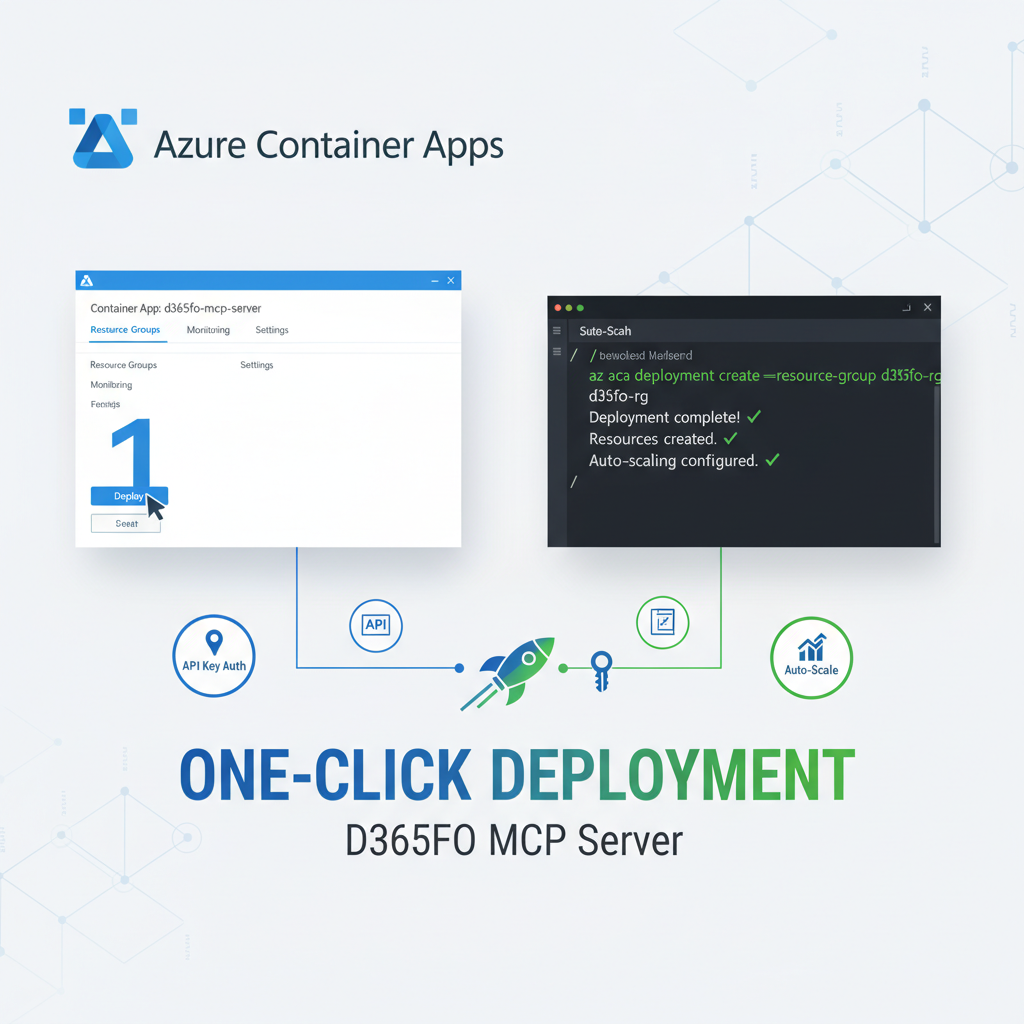
One-Click Azure Deployment: D365FO MCP Server Gets Ridiculously Easy with API Key Authentication
Remember when deploying enterprise AI to Azure meant hours of configuration hell, wrestling with OAuth settings, and debugging environment variables? Those days are officially over. The D365FO MCP Server v0.3.1 just dropped with deployment automation that transforms complex Azure Container Apps setup into a single command.
We're talking one-click deployment with automated scripts, ARM templates, and a brand new API key authentication option that sidesteps OAuth complexity entirely. This isn't just an incremental improvement – it's a complete paradigm shift that makes enterprise AI deployment accessible to everyone.
What Changed Everything
The Old Way: Deployment Nightmare
- Manual Azure Container Apps configuration
- Complex environment variable management
- OAuth 2.1 setup with multiple moving parts
- Hours of troubleshooting and debugging
- Required deep Azure knowledge
The New Way: Deployment Magic
# Download the deployment script
curl -O https://raw.githubusercontent.com/mafzaal/d365fo-client/main/deploy-aca.sh
chmod +x deploy-aca.sh

# Set your authentication (choose your style)
export D365FO_MCP_API_KEY_VALUE="your-secret-key"
# OR for OAuth
export D365FO_MCP_AUTH_CLIENT_ID="your-client-id"

# Deploy to Azure Container Apps
./deploy-aca.sh
That's it. Two minutes from zero to production-ready deployment.
Contents
🚀 Automated Deployment Scripts
The new deploy-aca.sh script handles everything automatically:
What It Does Behind the Scenes
- Creates Azure Container App Environment with optimal settings
- Deploys the MCP server container from GitHub Container Registry
- Configures ingress and scaling for production workloads
- Sets up authentication (OAuth or API Key)
- Manages secrets securely with Azure Key Vault integration
- Enables monitoring and health checks
Script Features
- Idempotent operations – safe to run multiple times
- Error handling with rollback capabilities
- Verbose logging for troubleshooting
- Parameter validation before deployment
- Resource tagging for cost management
# Advanced usage with custom parameters
./deploy-aca.sh \
  --resource-group "my-d365-resources" \
  --app-name "d365fo-mcp-prod" \
  --location "eastus" \
  --environment "production" \
  --min-replicas 1 \
  --max-replicas 10
Prerequisites
- Azure CLI installed and authenticated
- Contributor access to your Azure subscription
- D365FO environment credentials (optional with default auth)
🔐 API Key Authentication: OAuth's Simpler Sibling
The biggest game-changer is the new API Key authentication provider. This addresses the #1 complaint about enterprise AI deployments: OAuth complexity.
Why API Keys Matter
OAuth 2.1 is powerful but overkill for many scenarios:
- Web application backends
- Mobile app APIs
- Internal microservices
- Development and testing environments
- Simple third-party integrations
API Key authentication is perfect when you need:
- Simple, secure access control
- Stateless authentication
- Easy integration with existing systems
- Minimal configuration overhead
Setting Up API Key Authentication
# For deployment
export D365FO_MCP_API_KEY_VALUE="your-super-secret-key-here"

# Or in your environment configuration
echo "D365FO_MCP_API_KEY_VALUE=your-super-secret-key-here" >> .env
Using API Key Authentication
// JavaScript/Node.js example
const response = await fetch('https://your-mcp-server.azurecontainerapps.io/', {
	method: 'POST',
	headers: {
		'Content-Type': 'application/json',
		Authorization: 'Bearer your-super-secret-key-here'
	},
	body: JSON.stringify({
		jsonrpc: '2.0',
		id: 1,
		method: 'tools/call',
		params: {
			name: 'd365fo_query_entities',
			arguments: {
				entityName: 'CustomersV3',
				top: 10
			}
		}
	})
});
# Python example
import requests
headers = {
'Content-Type': 'application/json',
'Authorization': 'Bearer your-super-secret-key-here'
}
payload = {
"jsonrpc": "2.0",
"id": 1,
"method": "tools/call",
"params": {
"name": "d365fo_query_entities",
"arguments": {
"entityName": "CustomersV3",
"top": 10
}
}
}
response = requests.post(
'https://your-mcp-server.azurecontainerapps.io/',
headers=headers,
json=payload
)🤖 MCP Client Configuration
The deployed HTTP server can be easily integrated with AI assistants using MCP (Model Context Protocol) clients. Here's how to configure popular AI assistants to connect to your deployed Azure Container Apps instance:
VS Code Copilot Configuration
Add this configuration to your VS Code mcp.json file:
With API Key Authentication:
{
	"servers": {
		"d365fo-azure-mcp": {
			"type": "http",
			"baseUrl": "https://your-mcp-server.azurecontainerapps.io",
			"headers": {
				"Authorization": "Bearer your-super-secret-key-here",
				"Content-Type": "application/json"
			}
		}
	}
}
With OAuth Authentication:
{
	"servers": {
		"d365fo-azure-mcp": {
			"type": "http",
			"baseUrl": "https://your-mcp-server.azurecontainerapps.io"
		}
	}
}
Benefits of HTTP MCP Deployment
- Remote Access: Connect from anywhere without local server setup
- Shared Resources: Multiple team members can use the same deployment
- Enterprise Security: Leverage Azure's security and compliance features
- Scalability: Automatic scaling based on demand
- High Availability: Built-in redundancy and failover
- Cost Efficiency: Pay only for actual usage with Container Apps scaling
Security Best Practices for API Keys
- Use strong, randomly generated keys (minimum 32 characters)
- Store in Azure Key Vault for production environments
- Rotate keys regularly (quarterly or bi-annually)
- Use different keys per environment (dev/staging/prod)
- Monitor API usage for anomalous patterns
- Implement rate limiting to prevent abuse
🏗️ ARM Template Integration
For teams preferring GUI-based deployment, the new ARM template provides a visual deployment experience directly in the Azure Portal.
One-Click Portal Deployment
- Download the template: azure-deploy.json
- Navigate to Azure Portal → "Deploy a custom template"
- Upload the template and fill in parameters
- Deploy with a single click
Template Features
The ARM template includes:
- Parameterized deployment with sensible defaults
- Resource dependencies properly configured
- Security policies pre-applied
- Monitoring and diagnostics enabled
- Cost optimization settings
Template Parameters
{
	"parameters": {
		"appName": {
			"type": "string",
			"defaultValue": "d365fo-mcp-server",
			"description": "Name of the Container App"
		},
		"location": {
			"type": "string",
			"defaultValue": "[resourceGroup().location]",
			"description": "Location for all resources"
		},
		"authenticationType": {
			"type": "string",
			"defaultValue": "apikey",
			"allowedValues": ["oauth", "apikey"],
			"description": "Authentication method"
		},
		"d365foBaseUrl": {
			"type": "string",
			"description": "D365FO environment URL"
		}
	}
}
⚡ Real-World Deployment Scenarios
Scenario 1: Development Environment
Use Case: Quick setup for testing and development
# Simple development deployment
export D365FO_MCP_API_KEY_VALUE="dev-api-key-$(date +%s)"
export D365FO_BASE_URL="https://dev-environment.dynamics.com"
./deploy-aca.sh --environment "development" --min-replicas 0Benefits:
- Zero-cost when idle (scales to zero)
- Fast deployment for rapid iteration
- Simple authentication without OAuth complexity
Scenario 2: Production Web API
Use Case: Backend for customer-facing web application
# Production deployment with OAuth
export D365FO_MCP_AUTH_CLIENT_ID="prod-client-id"
export D365FO_MCP_AUTH_CLIENT_SECRET="prod-client-secret"
export D365FO_MCP_AUTH_TENANT_ID="prod-tenant-id"
export D365FO_BASE_URL="https://prod-environment.dynamics.com"

./deploy-aca.sh \
  --environment "production" \
  --min-replicas 2 \
  --max-replicas 20 \
  --cpu 1.0 \
--memory 2GiBenefits:
- High availability with multiple replicas
- Auto-scaling based on demand
- Enterprise security with OAuth 2.1
- Performance optimization with dedicated resources
Scenario 3: Mobile App Backend
Use Case: API for mobile application integration
# Mobile-optimized deployment
export D365FO_MCP_API_KEY_VALUE="mobile-api-key-$(openssl rand -hex 16)"
export D365FO_BASE_URL="https://mobile-environment.dynamics.com"

./deploy-aca.sh \
  --environment "mobile" \
  --min-replicas 1 \
  --max-replicas 5 \
  --enable-cors \
--rate-limit-rpm 1000Benefits:
- CORS enabled for web-based mobile apps
- Rate limiting to prevent abuse
- Optimized scaling for mobile usage patterns
- Simple API key auth for easier mobile integration
🔧 Advanced Configuration Options
Environment Variables Reference
The deployment scripts support comprehensive configuration through environment variables:
# === Core D365FO Configuration ===
export D365FO_BASE_URL="https://your-environment.dynamics.com"
export D365FO_CLIENT_ID="your-d365-client-id"           # Optional with default auth
export D365FO_CLIENT_SECRET="your-d365-client-secret"   # Optional with default auth
export D365FO_TENANT_ID="your-d365-tenant-id"           # Optional with default auth

# === MCP Authentication (Choose One) ===
# Option 1: API Key Authentication
export D365FO_MCP_API_KEY_VALUE="your-secret-api-key"

# Option 2: OAuth 2.1 Authentication
export D365FO_MCP_AUTH_CLIENT_ID="your-oauth-client-id"
export D365FO_MCP_AUTH_CLIENT_SECRET="your-oauth-client-secret"
export D365FO_MCP_AUTH_TENANT_ID="your-oauth-tenant-id"
export D365FO_MCP_AUTH_REQUIRED_SCOPES="User.Read,email,openid,profile"

# === Performance Tuning ===
export D365FO_MCP_MAX_CONCURRENT_REQUESTS="10"
export D365FO_MCP_REQUEST_TIMEOUT="30"
export D365FO_TIMEOUT="60"
export D365FO_LOG_LEVEL="INFO"

# === Azure Container Apps Configuration ===
export ACA_MIN_REPLICAS="0"
export ACA_MAX_REPLICAS="10"
export ACA_CPU_CORES="0.5"
export ACA_MEMORY_GB="1"
Custom Domain and SSL
# Deploy with custom domain
./deploy-aca.sh \
  --custom-domain "d365api.yourcompany.com" \
  --ssl-certificate "path/to/certificate.pfx" \
  --enable-https-redirect
Integration with Azure Key Vault
# Deploy with Key Vault integration
export AZURE_KEY_VAULT_NAME="your-key-vault"
export D365FO_CLIENT_ID="@Microsoft.KeyVault(SecretUri=https://your-key-vault.vault.azure.net/secrets/d365fo-client-id/)"

./deploy-aca.sh --enable-key-vault-integration
📊 Performance and Security Considerations
Scaling Configuration
Development/Testing:
# Cost-optimized for development
--min-replicas 0 --max-replicas 3 --cpu 0.25 --memory 0.5GiProduction/High-Traffic:
# Performance-optimized for production
--min-replicas 2 --max-replicas 20 --cpu 1.0 --memory 2GiEnterprise/Mission-Critical:
# High-availability configuration
--min-replicas 3 --max-replicas 50 --cpu 2.0 --memory 4Gi
Security Best Practices
Network Security:
- Use Azure Virtual Networks for internal traffic
- Implement Azure Front Door for DDoS protection
- Enable Web Application Firewall (WAF)
Authentication Security:
- Use OAuth 2.1 for user-facing applications
- Use API keys for service-to-service communication
- Implement proper token validation and expiration
Data Security:
- Enable Azure Key Vault for secret management
- Use Azure Monitor for security event logging
- Implement proper HTTPS/TLS configurations
Monitoring and Observability
The deployment automatically configures:
- Application Insights for performance monitoring
- Azure Monitor for health checks and alerts
- Log Analytics for centralized logging
- Custom metrics for D365FO integration monitoring
# Enable enhanced monitoring
./deploy-aca.sh \
  --enable-app-insights \
  --enable-log-analytics \
  --alert-email "[email protected]"
🎯 When to Use What Authentication
API Key Authentication
Perfect for:
- Internal microservices
- Development and testing
- Simple third-party integrations
- Mobile app backends
- Webhook endpoints
Pros:
- Simple to implement and manage
- Stateless and lightweight
- Easy debugging and testing
- No external dependencies
Cons:
- Manual key rotation required
- Less granular permissions
- No built-in user context
OAuth 2.1 Authentication
Perfect for:
- User-facing web applications
- Enterprise SSO integration
- Multi-tenant scenarios
- Applications requiring user context
- Compliance-heavy environments
Pros:
- Enterprise-grade security
- Automatic token renewal
- Granular permission scopes
- Built-in user identity
- Industry standard
Cons:
- More complex to implement
- Requires Azure AD setup
- Additional moving parts
- Debugging complexity
Getting Started Today
The transformation from complex deployment to one-click simplicity represents more than just a feature update – it's a fundamental shift toward making enterprise AI accessible to every development team.
Quick Start Checklist
- Ensure Azure CLI is installed:
az --version - Authenticate with Azure:
az login - Choose your authentication method: API Key or OAuth 2.1
- Download the deployment script:
curl -O deploy-aca.sh - Set your environment variables: Export your chosen auth method
- Deploy:
./deploy-aca.sh - Test your deployment: Make a test API call
Next Steps
Once deployed, you can:
- Integrate with web applications using the HTTP API
- Connect AI assistants like GitHub Copilot and Claude Desktop
- Build mobile backends with simple API key authentication
- Create real-time dashboards using Server-Sent Events
- Scale automatically based on demand
The future of enterprise AI integration is here, and it's ridiculously easy. No more deployment complexity, no more OAuth headaches, no more hours of configuration.
Ready to deploy? Check out the complete documentation and start building the next generation of AI-powered enterprise applications.
Resources: